Report FAQs
Commonly asked queries about reports and reporting options
Q: How do I find an invoice from the past or from specific dates?
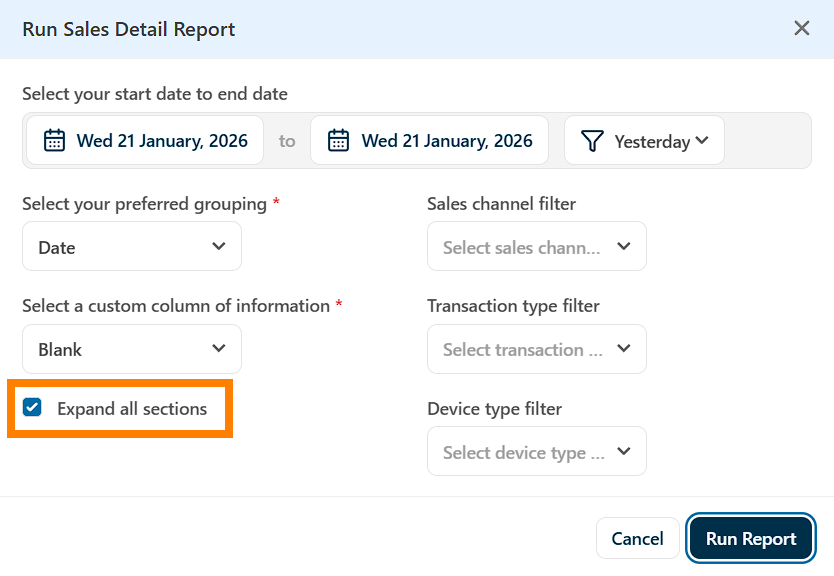
A: The Sales Detail report is the best report to run to find invoices from previous dates. In the report options, select the date you want to view invoices for, then select expand all sections. The report will show a list of all invoices for the period.
Note that any invoice in the report can be clicked on to launch the Invoice Audit report for that particular invoice, which will show you the details of the report including the items, totals, cashier, customer and more.